Google Business Profile for accountants and tax firms: the complete setup guide
How to set up and optimize a Google Business Profile for a CPA, tax or bookkeeping firm: categories, services, photos, posts, Q&A, reviews and the mistakes that cost you calls.
Key takeaways
- Google ranks local results on three things: relevance, distance and prominence. You control relevance and much of prominence.
- Your primary category is the single most important choice. Pick the closest match to your main service, then add secondary categories.
- Recent reviews matter: 74% of consumers look for reviews from the last three months, so a steady flow beats a one-off push.
- Track calls, website clicks and direction requests from your profile monthly, and treat it as your second homepage.
In this article
- How Google decides who shows up
- Step 1: get the basics exactly right
- Step 2: choose your categories carefully
- Step 3: list your services in plain words
- Step 4: add real photos
- Step 5: use posts and the booking link
- Step 6: answer the questions people ask
- Step 7: build a steady flow of reviews
- Mistakes that cost accounting firms calls
- Measure what your profile brings in
- What to do this week
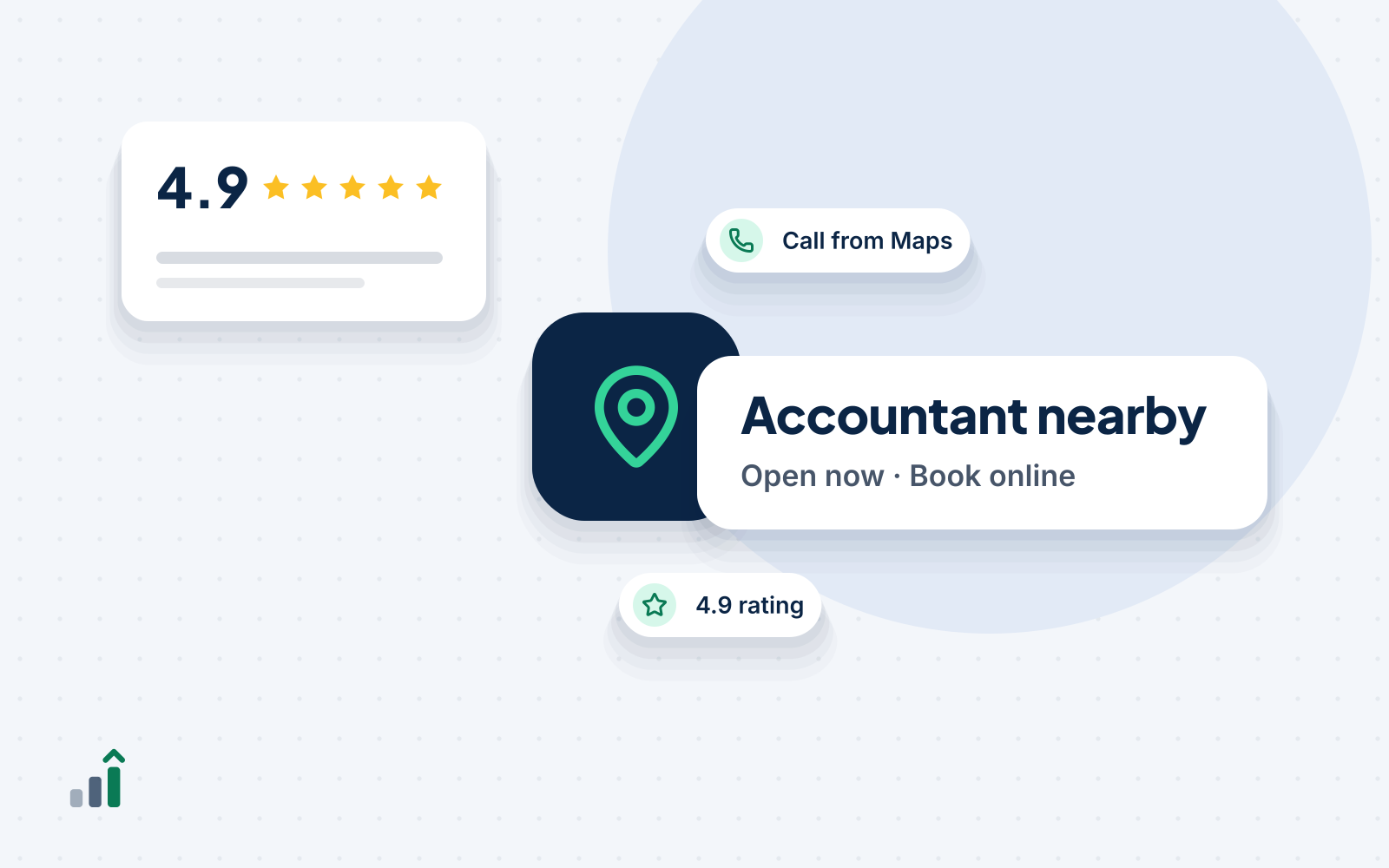
When someone searches for “accountant near me” or “tax preparer in [city],” the first thing they usually see isn’t your website. It’s the map and three business listings, with star ratings, hours and a call button. That’s your Google Business Profile, and for many firms it produces more calls than the website does.
This guide walks through setting it up properly for an accounting, tax or bookkeeping firm.
How Google decides who shows up
Google says local results are based mainly on three things (Google):
- Relevance: how well your profile matches what someone searched for.
- Distance: how far you are from the searcher or the location in the search.
- Prominence: how well known you are, including reviews, ratings and links to your website from around the web.
You can’t move your office closer to every searcher. But you can make your profile far more relevant and, over time, more prominent.
Step 1: get the basics exactly right
Business name. Use your real name, exactly as on your sign, website and letterhead. Don’t add “CPA tax preparation near me” to the name. Google’s guidelines prohibit it, and it can get the profile suspended (Google guidelines).
Address or service area. If clients visit you, show your address. If you work from home or virtually, set yourself up as a service-area business and hide the address.
Phone and website. Use a local number that’s answered during business hours. Link to the most relevant page of your site, usually the homepage, or a location page for multi-office firms.
Hours. Keep them accurate, and add special hours for tax season and holidays. Wrong hours are one of the fastest ways to lose a caller’s trust.
Step 2: choose your categories carefully
Your primary category is one of the strongest signals you control. Choose the one closest to your main business:
| If you mainly do… | Consider a primary category like… |
|---|---|
| Audit, accounting and advisory | Certified public accountant or Accountant |
| Individual and business returns | Tax preparation service |
| Monthly books and payroll | Bookkeeping service |
| Tax planning and advice | Tax consultant |
Then add a few accurate secondary categories, such as “Payroll service” or “Financial consultant.” Don’t add categories for services you don’t offer.
Step 3: list your services in plain words
Add each service with a short description: individual tax returns, small business tax returns, S corporation returns, bookkeeping, payroll, tax planning, IRS letter help, and so on. Use the words clients use, not internal jargon. If you have starting prices, adding them can reduce time-wasting calls.
Step 4: add real photos
Add your logo, a cover image, your office exterior and interior if clients visit, and your team. Real photos of real people build more trust than stock images. Update them once or twice a year.
Step 5: use posts and the booking link
Posts appear on your profile and are a simple way to show you’re active:
- Season opening dates and how to book
- Deadline reminders (quarterly estimates, extension dates)
- New services, such as advisory or bookkeeping
- Short, useful tips
Add a booking link or “Book” button if your scheduling tool supports it, so people can book without calling.
Step 6: answer the questions people ask
Prospects can ask questions on your profile. Watch for them and answer quickly. You can also add common questions yourself: “Do you prepare returns for self-employed clients?” “Can I drop off documents?” “Do you offer virtual appointments?”
Step 7: build a steady flow of reviews
Reviews drive both ranking and choice. In BrightLocal’s 2026 survey, 74% of consumers looked for reviews written in the last three months, and 80% were more likely to use a business that responds to all of its reviews (BrightLocal).
- Ask every client after you complete their work, with a direct review link.
- Ask everyone, not just happy clients. Google doesn’t allow “discouraging or prohibiting negative reviews, or selectively soliciting positive reviews” (Search Engine Land).
- Never offer rewards for reviews, and never write or buy them.
- Reply to every review, briefly and professionally. Never confirm someone is a client or discuss their tax details in a reply.
Mistakes that cost accounting firms calls
- Keyword-stuffed business names that get flagged.
- A primary category that doesn’t match the main service.
- Outdated hours during tax season.
- No reviews in the last six months.
- Unanswered questions and unanswered negative reviews.
- A website link that goes to a slow page with no clear way to book.
Measure what your profile brings in
Your profile’s performance section shows calls, website clicks, direction requests and the searches people used to find you. Check it monthly. If calls rise but bookings don’t, the problem is how calls are answered, not the profile.
What to do this week
- Search for your firm on Google and Maps from a phone, as a client would.
- Check your name, primary category, hours and services.
- Add five real photos and one post about your next season or deadline.
- Send a review request to every client you finished work for this month.
- Reply to any review you haven’t answered.
Sources
How we write our insights
Written by the InventaxAI Editorial Team, the people who build websites, run lead follow-up and plan retention campaigns for finance and tax firms. Every number links to its original source, and we don’t invent statistics, case studies or reviews. Last reviewed .
This article is general information, not legal, tax or financial advice. Marketing and contact rules differ by country and profession, so check the rules that apply to your firm.