Qualified prospects in your calendar, confirmed and reminded
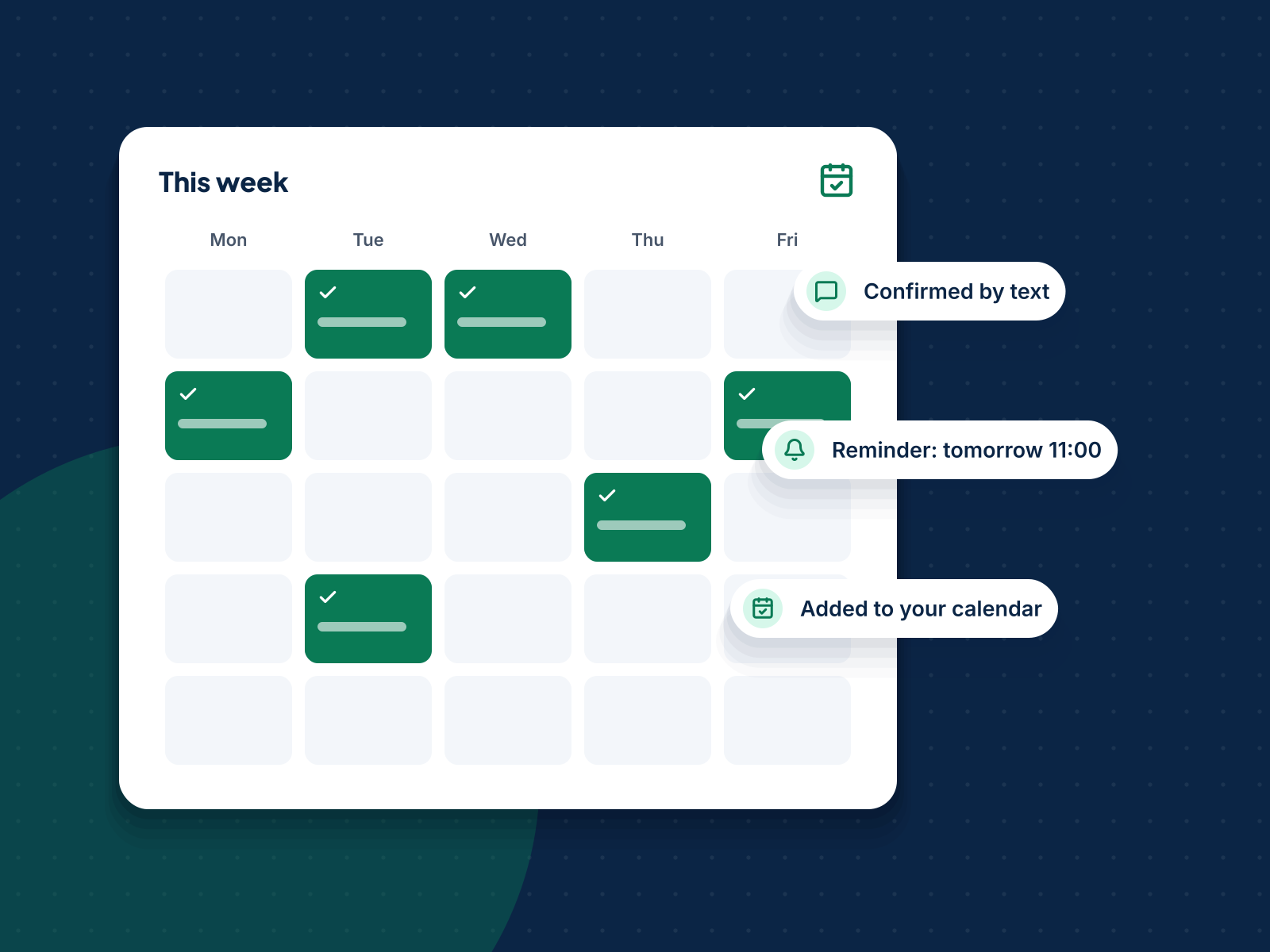
We contact your qualified leads, find a time that works, book it straight into your calendar and send reminders, so you spend your day in meetings instead of chasing them.
21% → 15%
no-show rate when reminders were used, across 21 studies in a BMJ Open meta-analysis.
- Booked into your real calendar
- Confirmations and reminders included
- Rescheduling handled for you
Back-and-forth scheduling loses good prospects
A prospect says yes, then the emails start: which day, which time, which office. Each delay is a chance for them to cool off or book elsewhere.
We book while interest is high, offer clear time slots, confirm in writing and remind them before the meeting, which is proven to reduce no-shows.
Where this fits
Appointment setting is part of stage 2, convert leads. It works on its own, and even better with:
Everything you need, handled for you
Pick the full service or the parts you need. Every item is delivered in your firm’s name.
Direct calendar booking
Meetings go straight into Google or Microsoft calendars with all the details.
Call, email and text
We reach prospects in the way they prefer, within the hours and rules that apply.
Reminders
Confirmation on booking, then reminders before the meeting.
Rescheduling
If plans change, we rebook rather than lose the meeting.
Meeting briefs
A short brief before each meeting so you walk in prepared.
Show-rate tracking
Booked, held and no-show numbers every week.
From yes to a meeting that actually happens
Each step is small, but together they protect your calendar.
- Minute 0BookedTime agreed and added to your calendar with the meeting link or address.
- Right awayConfirmedA clear confirmation by email or text, with what to bring.
- Day beforeReminderA friendly reminder with an easy way to reschedule.
- Hours beforeFinal nudgeA short reminder on the day for higher-risk bookings.
- AfterFollow-upNo-shows get a quick rebooking message, not silence.
Four steps from first call to results
- 1
Connect your calendar
We set your available times, meeting types and locations.
- 2
Agree the scripts
How we introduce your firm and what we ask before booking.
- 3
Book and remind
We contact leads, book meetings and send confirmations and reminders.
- 4
Report weekly
Meetings booked, held and rescheduled, and what we are improving.
Built for licensed finance and tax firms
Questions about appointment setting
Which calendars do you work with?
Google Calendar, Microsoft 365 and most booking tools. If you use a practice management system, we can usually connect to it.
Do you book in different time zones?
Yes. We work across time zones and book in your local time.
Do we pay for meetings that don’t happen?
We agree how this works in your plan. Our focus is on held meetings, not just bookings.